
Key facts about the JeetCity app
| Type | Progressive web app installed from the browser |
| Systems | Android through Chrome, iOS and iPadOS through Safari |
| Price | Free |
| APK download | Not offered |
| App Store or Google Play listing | None |
| Interface language | English |
| Games available | The full lobby, including live dealer tables |
| Account | The same one as on desktop, no separate registration |
Because the shortcut loads the live site rather than a packaged build, everything you see on desktop is available on the phone: the same lobby, the same cashier, the same bonus area.
Install JeetCity on Android
Chrome handles the installation natively, so there is no need to allow installs from unknown sources or to trust a downloaded file.
1 Open the site in Chrome
Load the JeetCity home page in Chrome on your Android phone or tablet. Other browsers can install web apps too, but Chrome is the reliable path.
2 Open the browser menu
Tap the three dot icon in the top right corner of Chrome to open the menu.
3 Choose Install app
Pick Install app, or Add to Home screen on older Chrome builds. Both create the same shortcut.
4 Confirm the installation
Press Install in the dialog. The JeetCity icon appears in your app list and launches the casino full screen, without the browser interface.
Install JeetCity on iPhone and iPad
On iOS the install lives in the Safari share sheet. Chrome for iPhone will not offer it, so use Safari for this part even if you browse elsewhere.
1 Open the site in Safari
Load the JeetCity home page in Safari on your iPhone or iPad and wait for it to finish loading.
2 Tap the Share button
Press the share icon, the square with an arrow pointing up, in the browser toolbar.
3 Choose Add to Home Screen
Scroll the share sheet until you find Add to Home Screen and tap it.
4 Confirm the name and add it
Edit the shortcut name if you want, then press Add. The JeetCity icon lands on your home screen and opens the casino in full screen mode.
Why there is no APK or App Store version
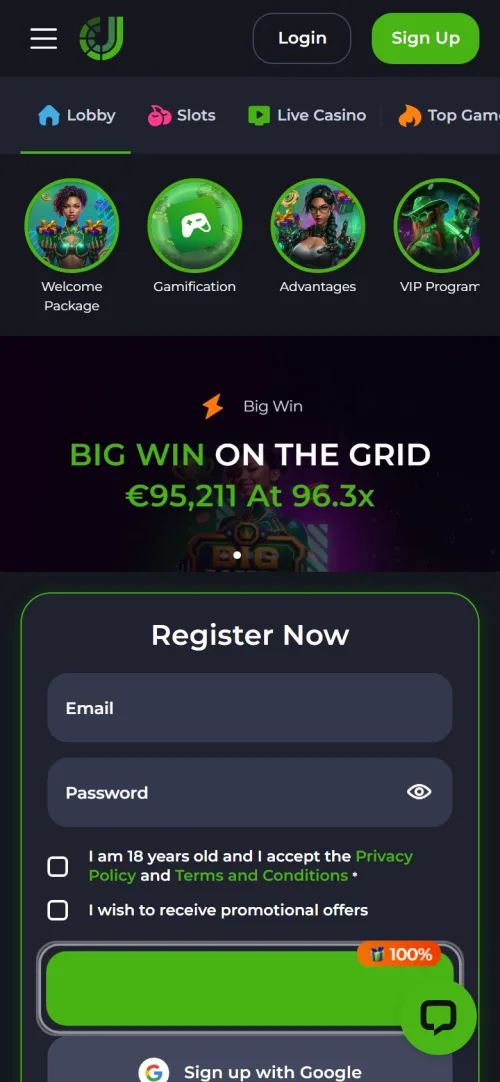
Neither Apple nor Google lists real money casino apps freely in Australia, so offshore operators either fight through a restricted approval process or skip it. JeetCity has skipped it: there is no download link in the navigation, the side menu or the footer, and there is no APK on the site.
That matters for a practical reason. Any site offering a JeetCity APK is not the casino, and installing a file like that hands an unknown party access to your phone. The safe route is the browser install described above, which is served over the same secure connection as the casino itself.
The trade off is small: a web app cannot send push notifications on iOS the way a native build can, and it needs a connection to run. Everything else works the same.
App versus mobile website
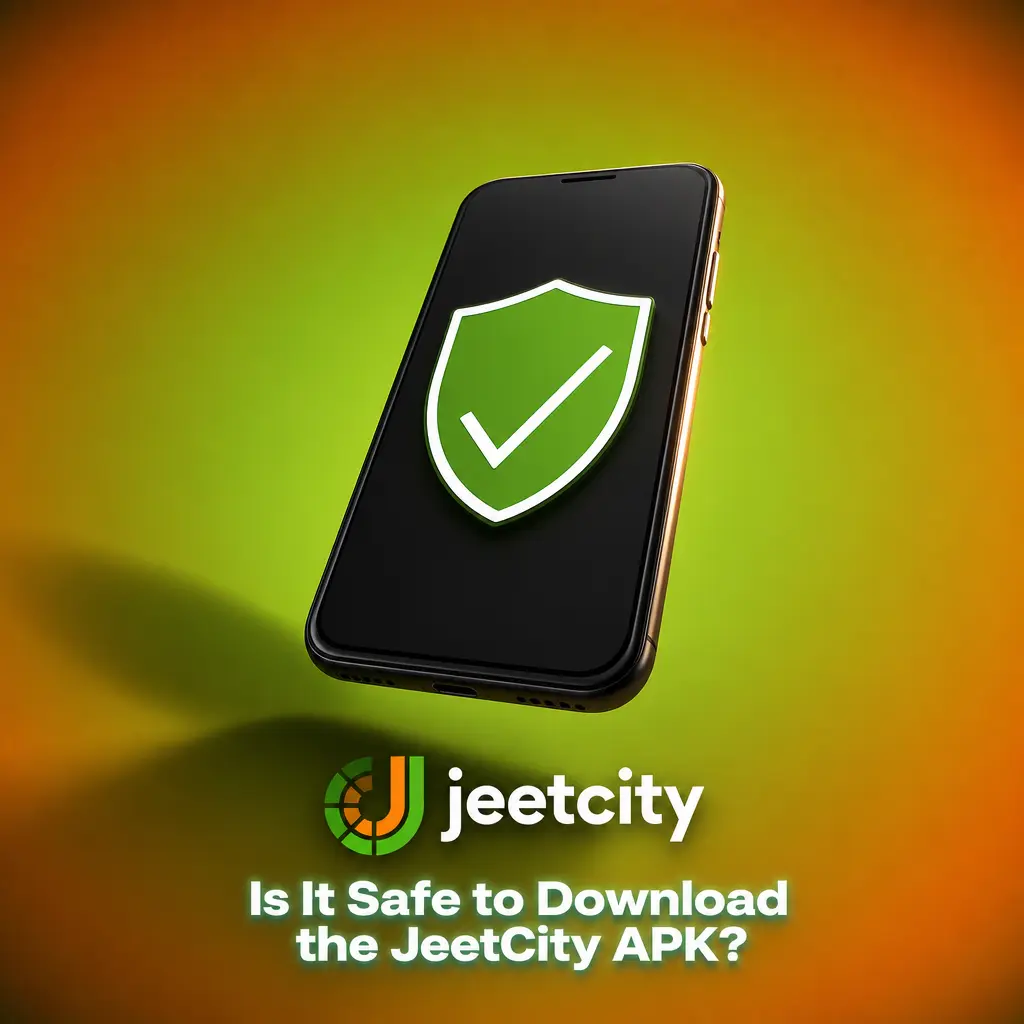
| Installed web app | Mobile browser | |
|---|---|---|
| Access | Icon on the home screen | Type the address or use a bookmark |
| Screen space | Full screen, no address bar | Browser interface takes up room |
| Session | Usually stays signed in between visits | Depends on browser settings |
| Games | Complete lobby including live tables | Complete lobby including live tables |
| Updates | Automatic, nothing to install | Automatic |
| Storage used | Minimal, it is a shortcut and cache | None beyond the browser |
In short, the installed version is the same casino with a better frame around it. If your phone is short on space or you play rarely, the browser is perfectly adequate.
Registering through the app
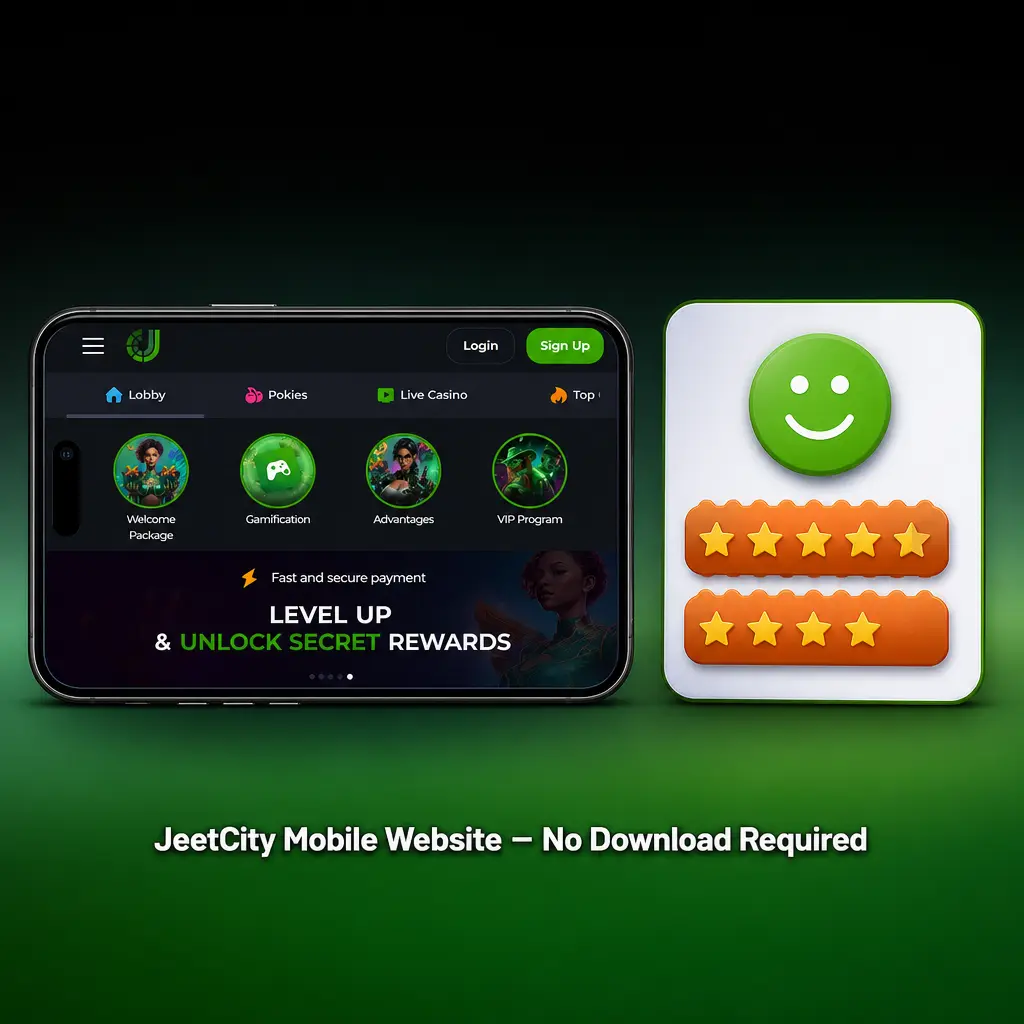
The sign up modal is identical in the installed version: email, password, the 18 plus checkbox, or the Google shortcut. Existing players simply sign in, since one account covers desktop and mobile.
Currency selection still happens before the first deposit, so set AUD on the phone just as you would on desktop. The field by field walkthrough sits on the JeetCity registration page.
Pokies and live games in the app
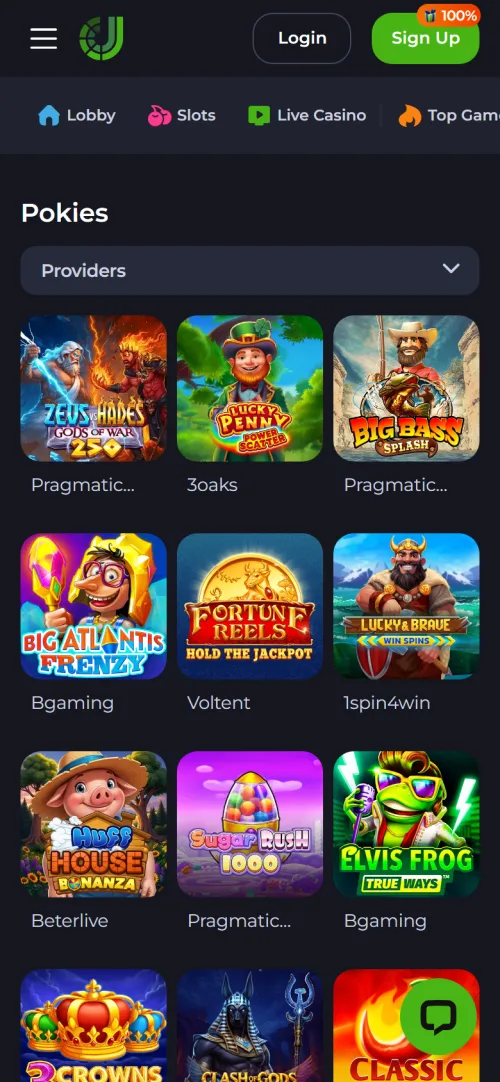
The mobile lobby carries the full catalogue: over 10,000 pokies, more than 1,500 jackpot titles, live dealer roulette and blackjack, table games and the crash section with Aviator and the JeetCity Originals.
Modern pokies are built portrait first, so they fill a phone screen properly. Live tables stream better on a stable connection, and a dropped signal mid hand is handled by the studio rather than the casino, which is worth knowing before you sit down on mobile data.
Bonuses in the app
There is no separate mobile bonus and no penalty for playing on a phone. The welcome package, the Monday and Wednesday reloads, VIP offers and the crypto boost all work identically, and promo codes are entered at the cashier the same way.
Free spins still have to be activated manually in the Bonus area of your account, which is easy to overlook on a small screen. Every current offer and its terms are listed under JeetCity casino bonus.

Payments in the app
The cashier behaves the same on mobile: cards, e-wallets, bank transfer, paysafecard and six cryptocurrencies, with no fees from the casino. Deposits credit almost instantly and payout requests go into the 48 hour review queue.
Crypto is the smoothest option on a phone, since wallet apps handle the transfer without card verification steps. Method by method timings are on the JeetCity withdrawal time page.
Updating and removing the app
- Updates happen on their own. The shortcut loads the live site, so new games and features appear without any action from you.
- Something looks broken? Close the app fully and reopen it, or clear the site data for the domain in your browser settings to force a fresh load.
- Removing it on Android: press and hold the icon and choose uninstall, exactly like any other app.
- Removing it on iPhone: press and hold the icon on the home screen and delete the bookmark.
- Your account is unaffected by removing the shortcut. Balance, bonuses and history stay with the account and are available from any browser.
Is there a JeetCity app download?
Not as an APK or an app store listing. JeetCity installs as a progressive web app from the browser: Install app in the Chrome menu on Android, or Share and Add to Home Screen in Safari on iPhone.
Is the JeetCity app free?
Yes. Installing costs nothing, uses almost no storage and requires no subscription.
Can I play live casino in the app?
Yes. The installed version loads the same lobby as desktop, including live roulette, blackjack and baccarat tables.
Is installing safe?
The browser install is safe because it creates a shortcut to the casino over the same secure connection. Any third party site offering a JeetCity APK is not the casino and should be avoided.
Do I need a separate account for the app?
No. One account works across desktop, mobile browser and the installed web app.
How do I update the app?
There is nothing to update. The shortcut loads the live site, so changes appear automatically the next time you open it.