
How to log in to JeetCity
The login window overlays the page you are already on, so you keep your place in the lobby. Five steps and you are back in your account.
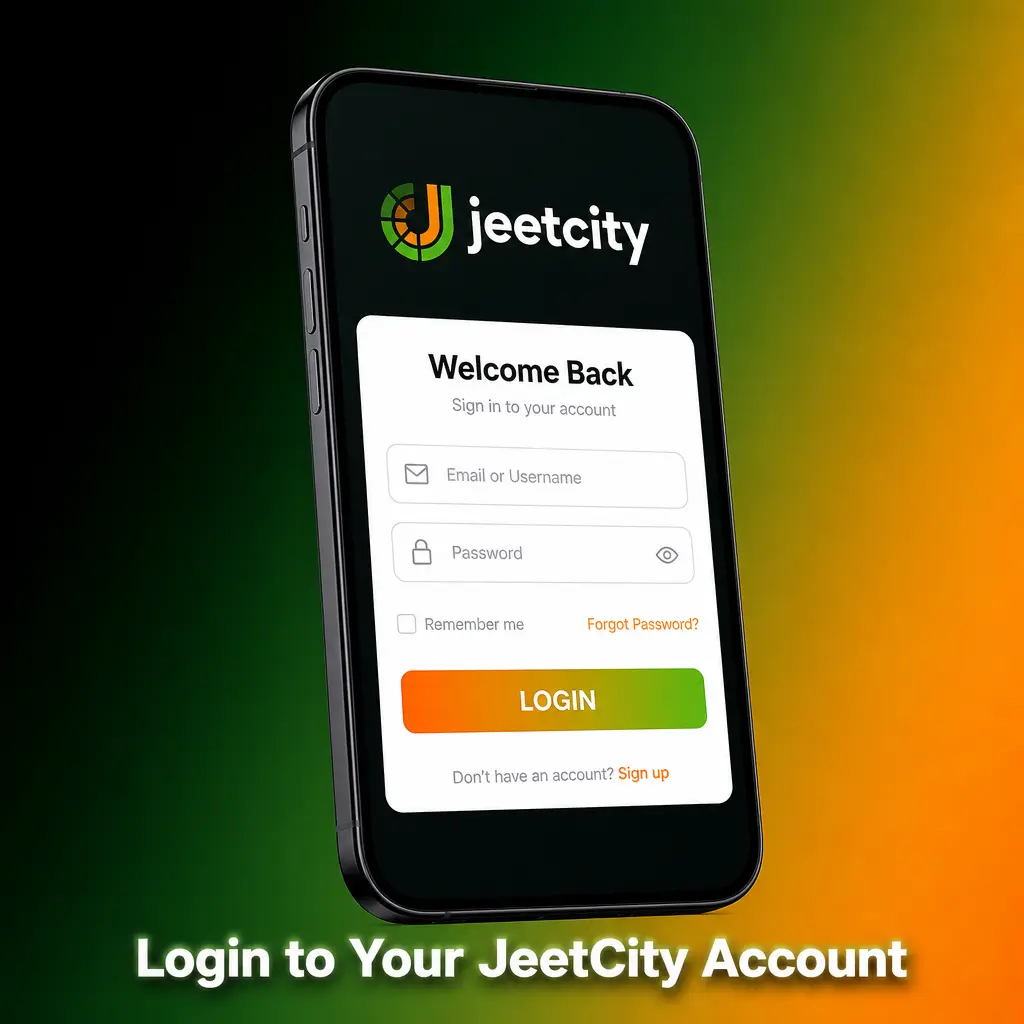
1 Press Login
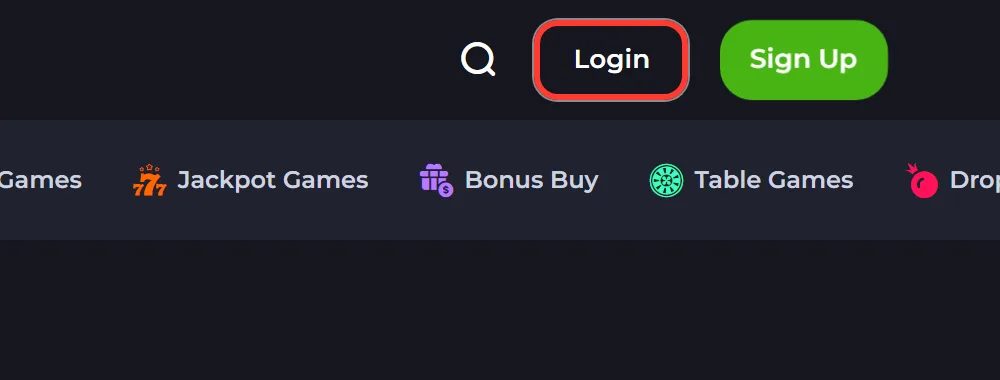
The Login button sits in the top right corner of every page, next to Sign Up. Pressing it opens the login modal without leaving the page.
2 Enter your email
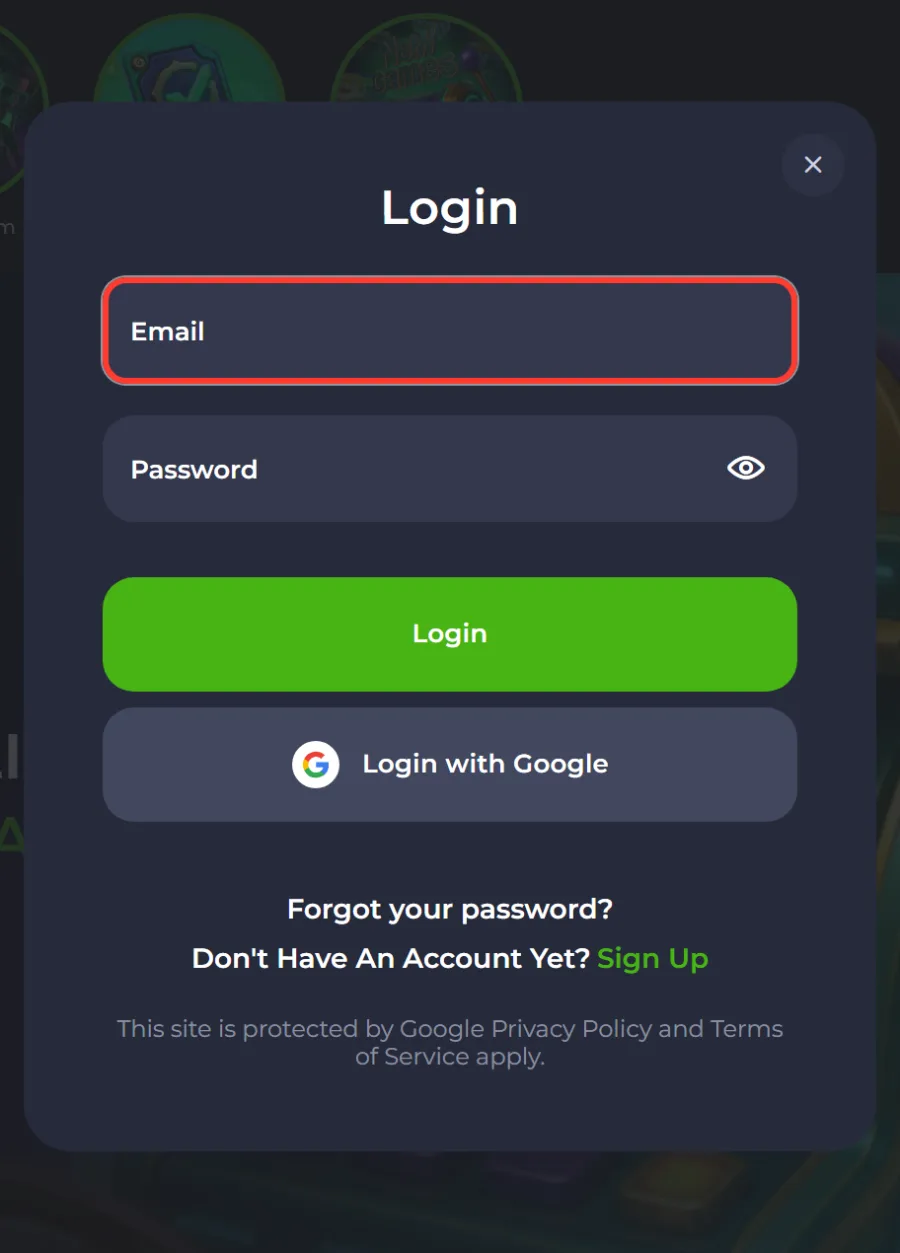
Type the address the account was registered with. It is the same address that received the verification link when you signed up.
3 Enter your password
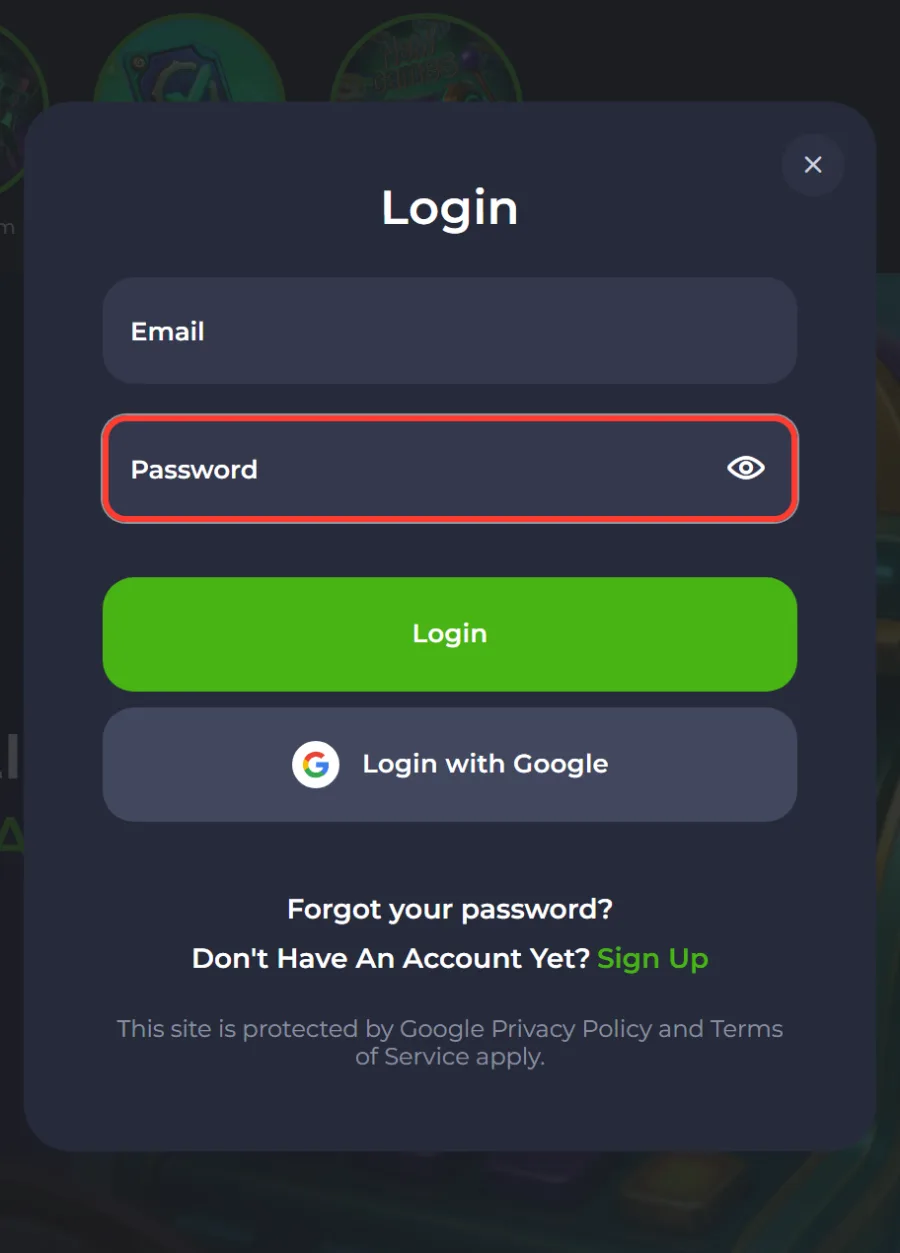
Fill the password field. The eye icon at the end of the field shows the characters if you want to check them before submitting.
4 Press the green Login button
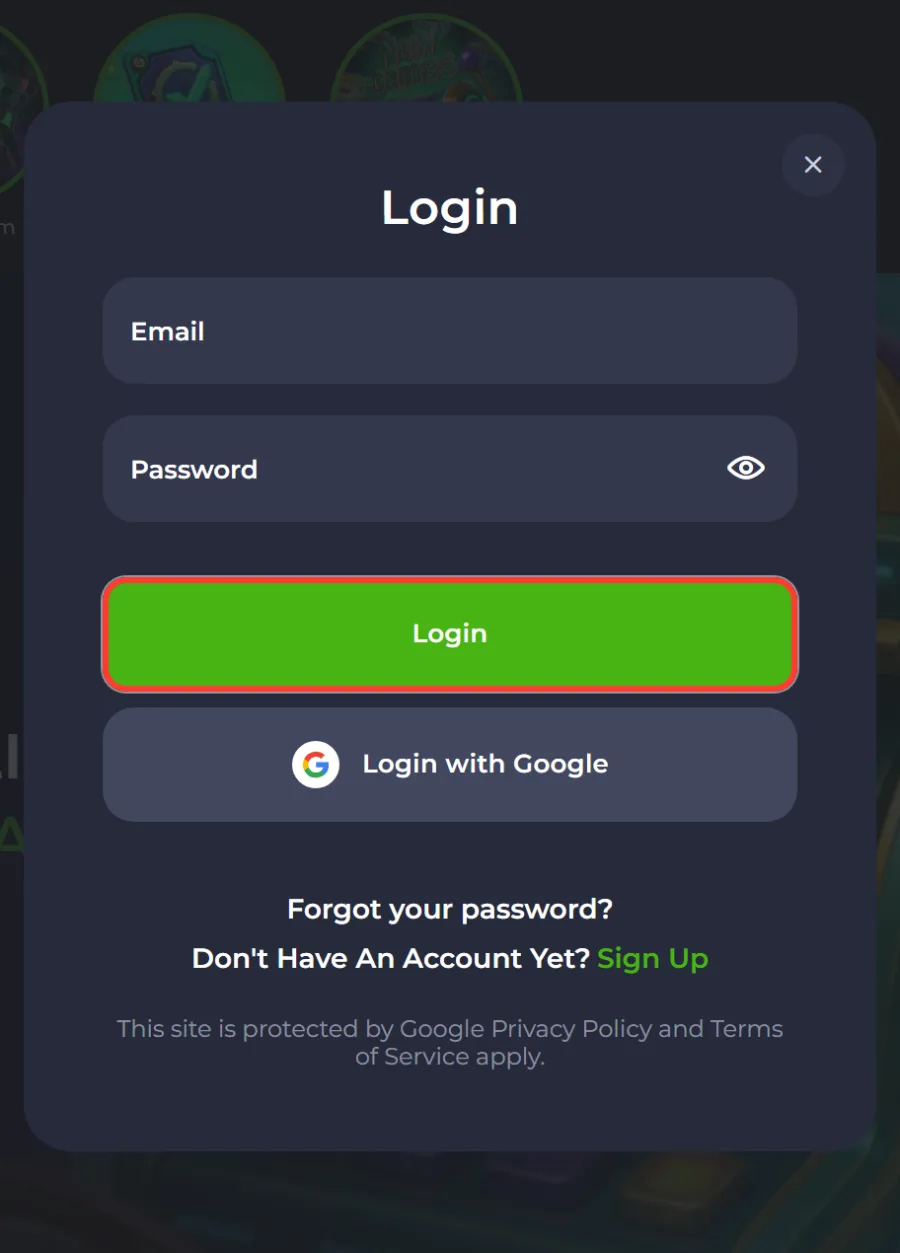
The session opens immediately and you land back in the lobby with your balance visible in the header.
5 Or sign in with Google
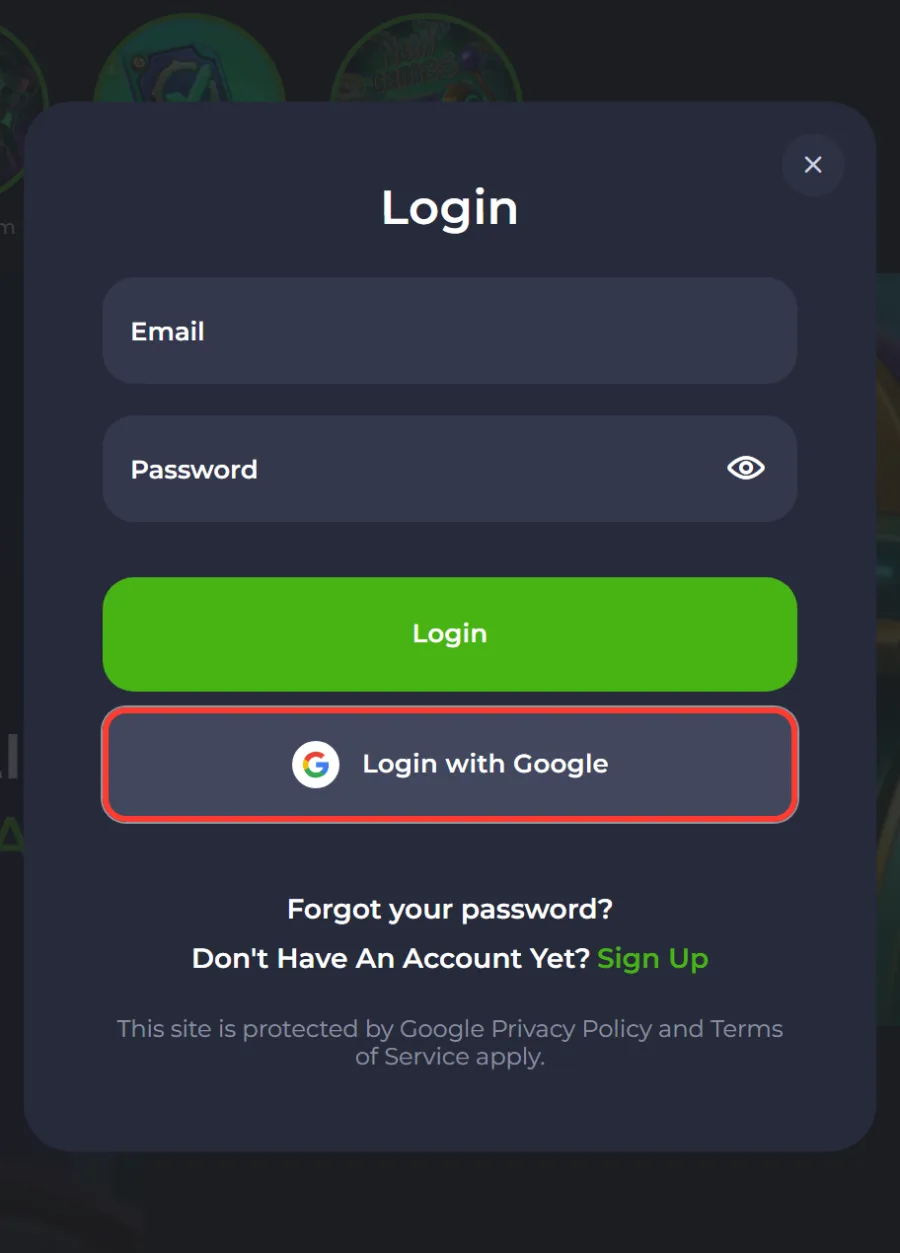
If the account was created through Google, use the Login with Google button instead and pick the matching account.
Login with Google
Google sign in is offered on the same modal as the email form. It works only for accounts that were created through Google in the first place, so if you registered with an email and password, the button will not find an account to open.
The advantage is that there is no casino password to lose. The catch is the reverse: losing access to the Google account locks you out of the casino account too, and support cannot switch the login method without verifying who you are. Keep two factor authentication and recovery details current on the Google side.

Forgot your password
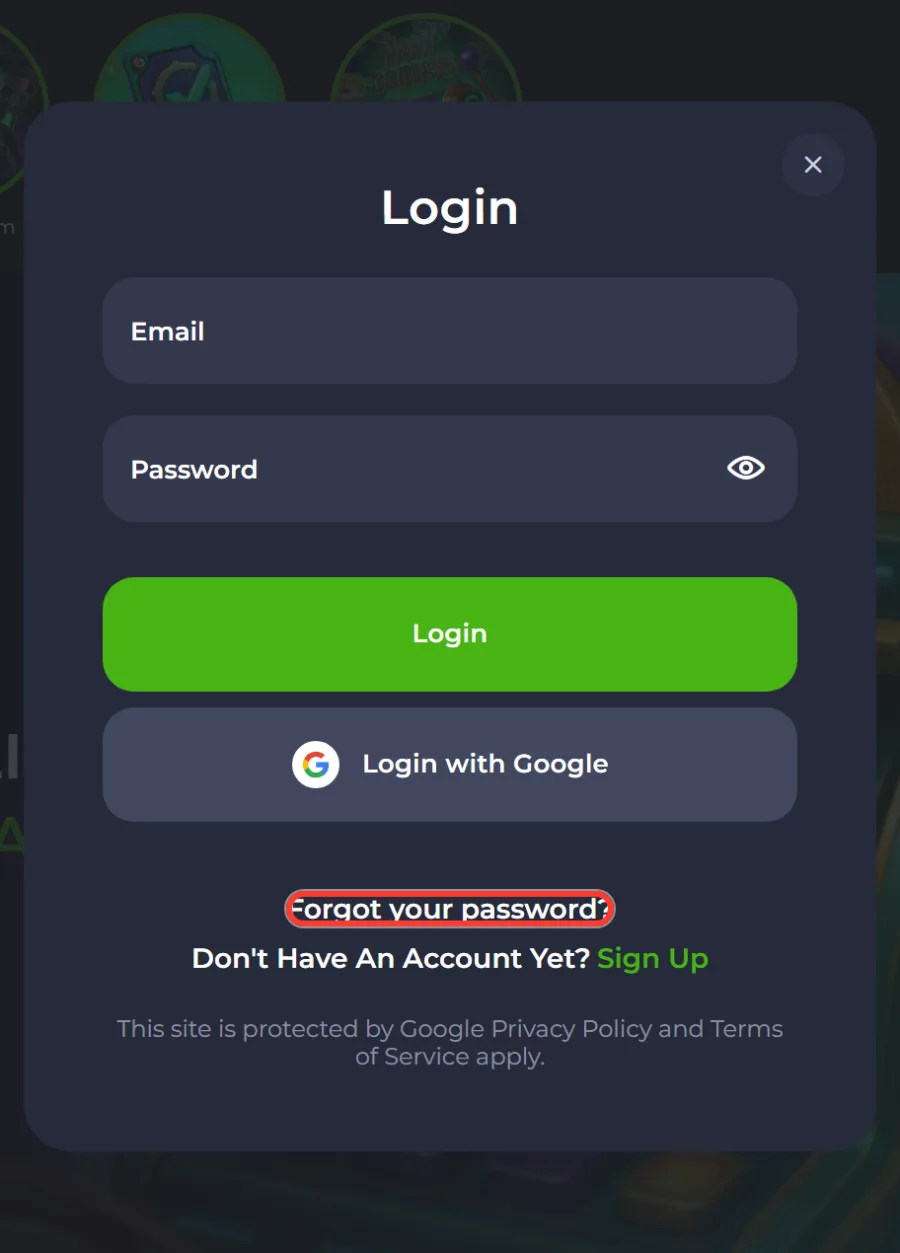
The Forgot your password link sits inside the login modal, under the password field. Recovery runs entirely through email, which is why confirming the address at registration matters.
- Open the login window and press Forgot your password.
- Enter the email address linked to the account and submit the form.
- Open the reset message in your inbox, checking spam if it does not appear within a few minutes.
- Follow the link, set a new password and sign in with it straight away.
If the email never arrives, the address on file may differ from the one you are typing. Live chat can confirm which address the account uses without exposing it in full.
Logging in on mobile
There is no separate mobile app to sign into. JeetCity installs from the browser as a progressive web app, and the shortcut opens the same site in full screen, so the login modal is identical to desktop.
Once installed, the session usually persists between visits, which means you tap the icon and land in the lobby already signed in. Installation for iPhone and Android is covered on the JeetCity app page.
Common login problems and fixes
- Password rejected. Use the eye icon to check what you typed, watch for caps lock and for a trailing space pasted from a password manager. Two failed attempts are enough reason to run the reset instead of guessing.
- Login button does nothing. The form runs a Google security check. Ad blockers and strict privacy modes can block it, so try a different browser or pause the extension.
- Account not found. Either the email differs from the one on file, or the account was created through Google, in which case the email form will not match it.
- Session drops after a few minutes. Clear the site data for the domain and sign in again, or reinstall the web app shortcut if you use it on mobile.
- Account blocked or restricted. This is usually tied to duplicate accounts or an unfinished verification. Only support can lift it, and they will ask for identity documents.
- No account yet. The form links straight to sign up, and the full walkthrough is on the JeetCity registration page.
Account rules: one account per player
JeetCity allows one account per person, household, address, email, IP address, device and payment account. The rule is written into the terms and applied when payouts are reviewed, which is when duplicates surface.
The practical consequences: do not open a second account to claim the welcome package again, do not log in to someone else account from your device, and keep the payment method in your own name. Breaking any of these can cost the bonus and the balance built from it.
Verification before you can withdraw
Logging in gives you access to the games, but cashing out is gated by identity checks. Expect a request for a photo document, and confirmation that the payment method belongs to you, before a larger payout is released.
Documents go through your account area or to [email protected]. Processing of the payout itself runs within 48 hours once the checks are cleared, with method by method detail under JeetCity payment methods.
Support if you cannot sign in
Live chat runs 24 hours a day from the button in the bottom right corner and does not require you to be logged in, which makes it the right channel for access problems. Have your registered email ready, since the agent will use it to find the account.
Anything needing documents attached goes to [email protected] instead. Contact routes and complaint handling are listed under JeetCity customer support.

How do I log in to JeetCity?
Press Login in the top right corner of any page, enter the email and password you registered with, then press the green Login button in the modal. Accounts created through Google use the Login with Google button instead.
I forgot my JeetCity password, what now?
Use the Forgot your password link inside the login window, enter your registered email and follow the reset link sent to your inbox. Check spam if it does not arrive within a few minutes.
Why does the login button not respond?
The form is protected by a Google security check that ad blockers and strict privacy settings can break. Pause the extension or try another browser.
Is there a separate app to log in through?
No. JeetCity installs from the browser as a progressive web app and the shortcut opens the same login window as the desktop site.
Can I have two JeetCity accounts?
No. The terms allow one account per person, household, address, email, IP address, device and payment account, and duplicates are closed with their bonuses voided.
Do I need to verify my identity to log in?
Not to log in. Verification is requested in connection with withdrawals, when the casino confirms your identity and that the payment method is in your name.